


Quick Start
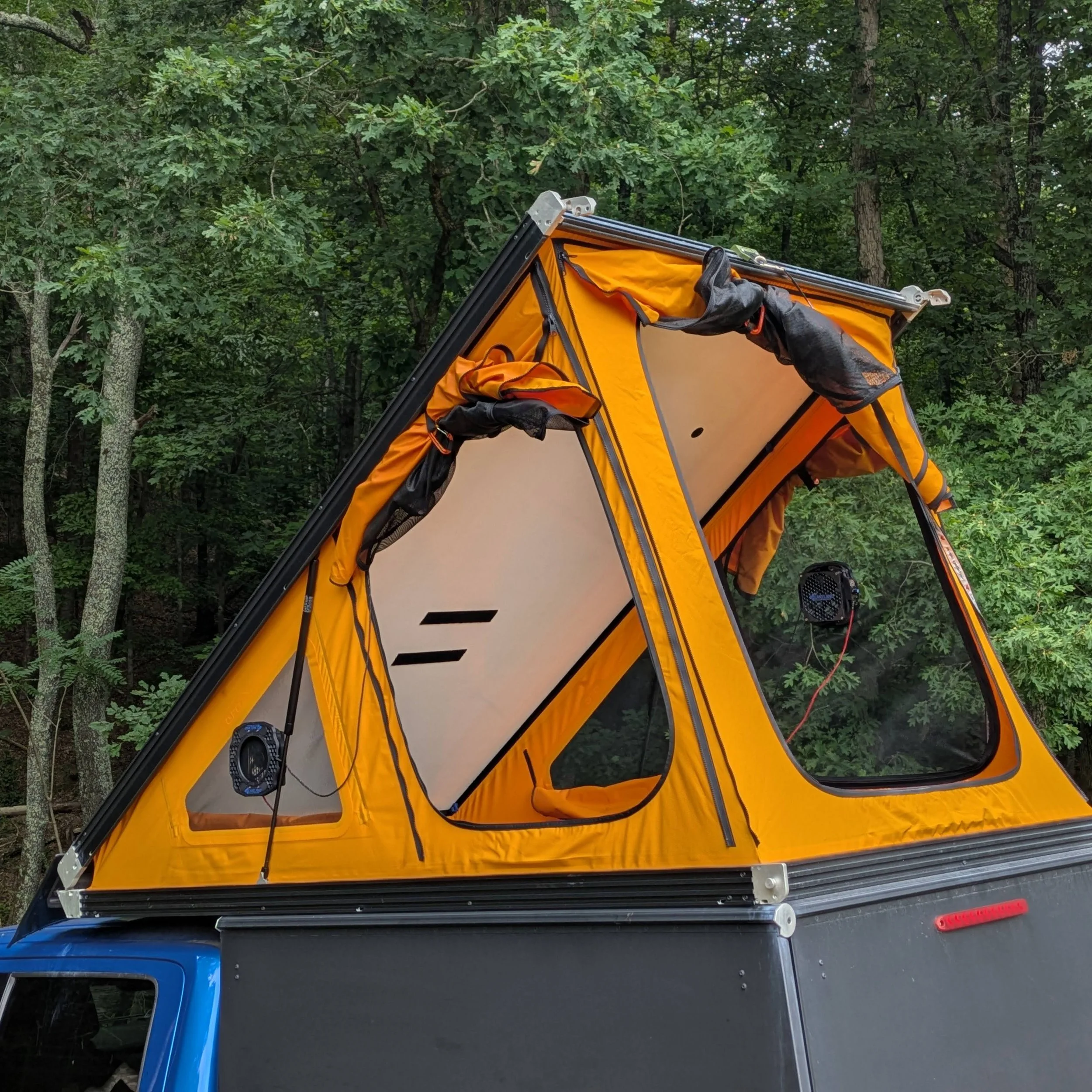
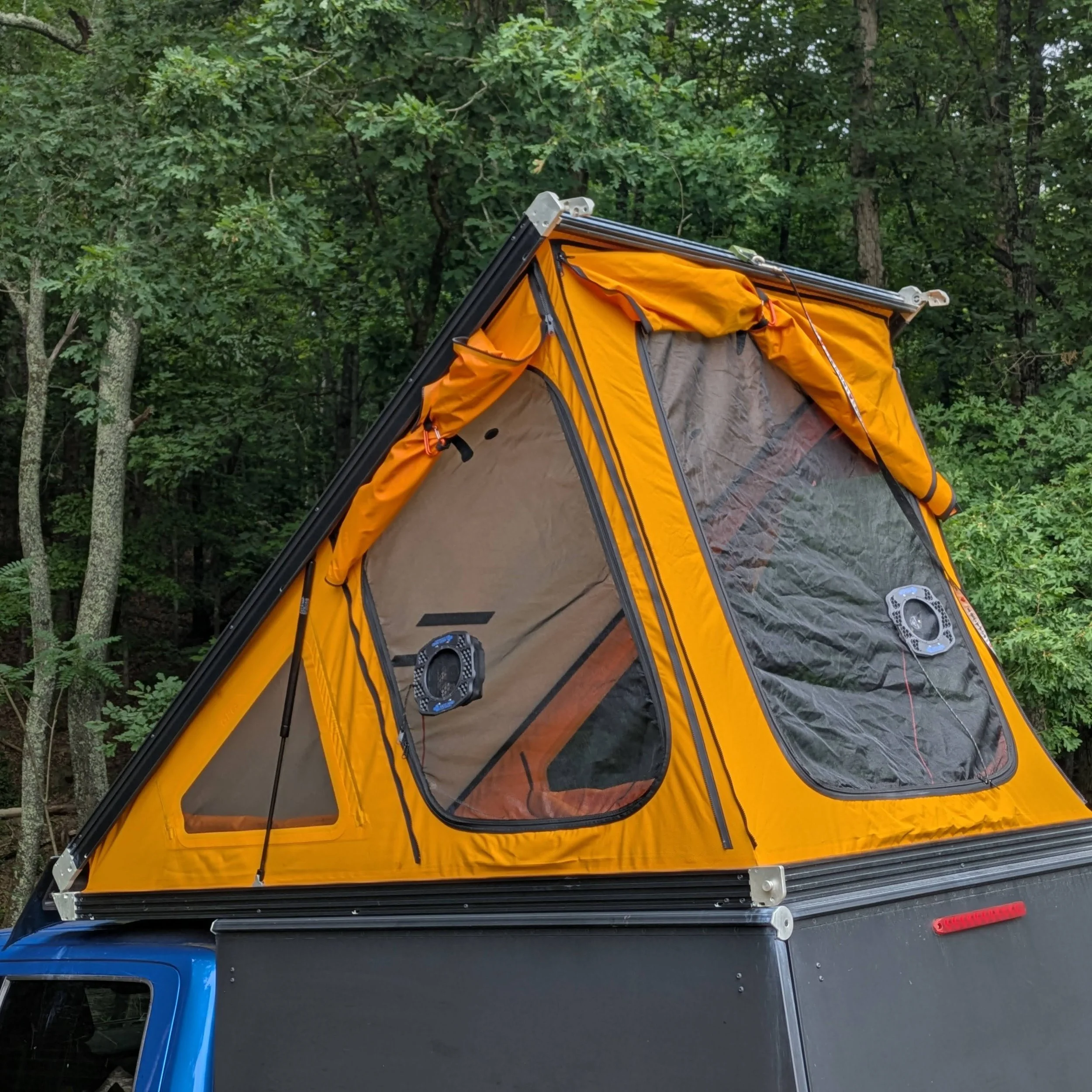
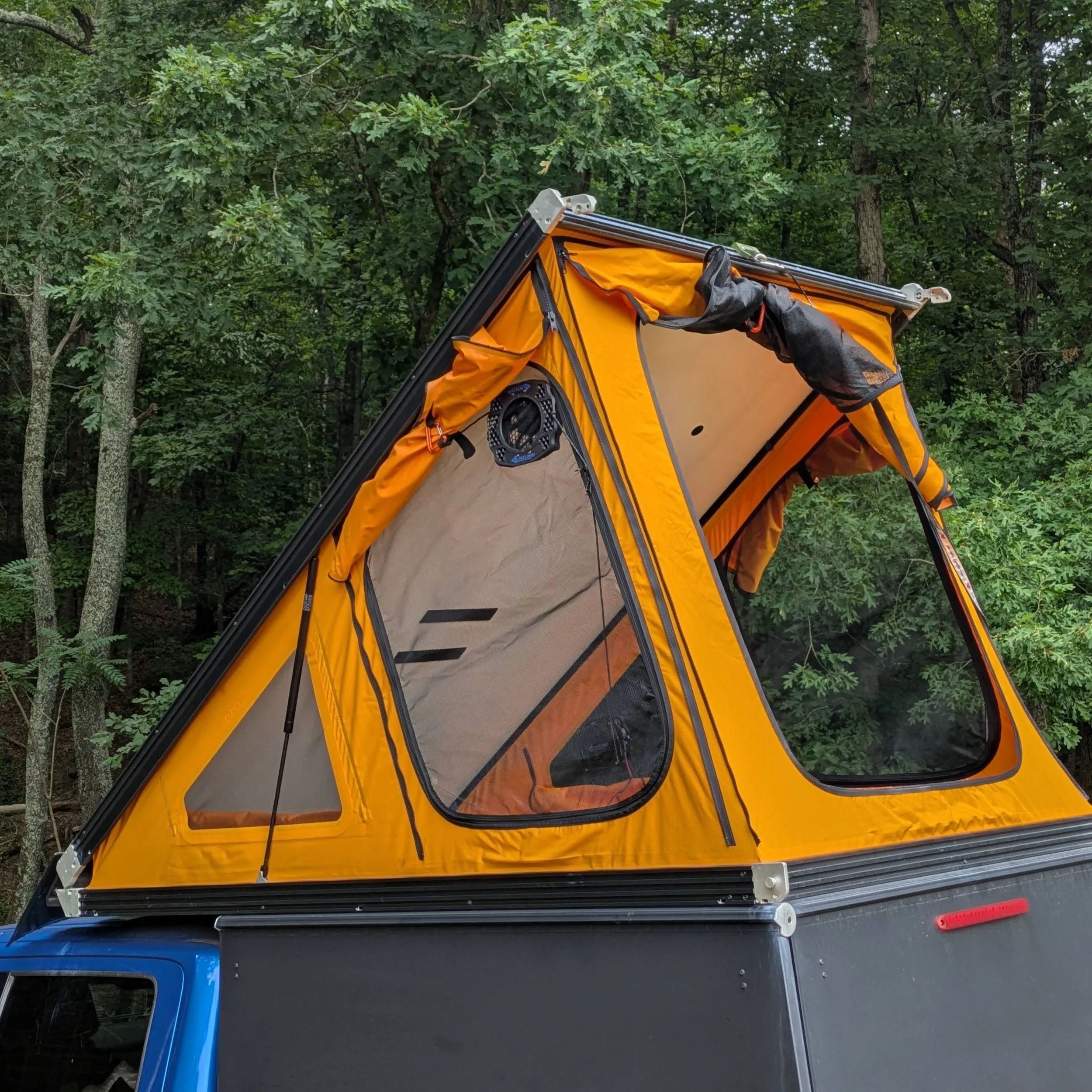
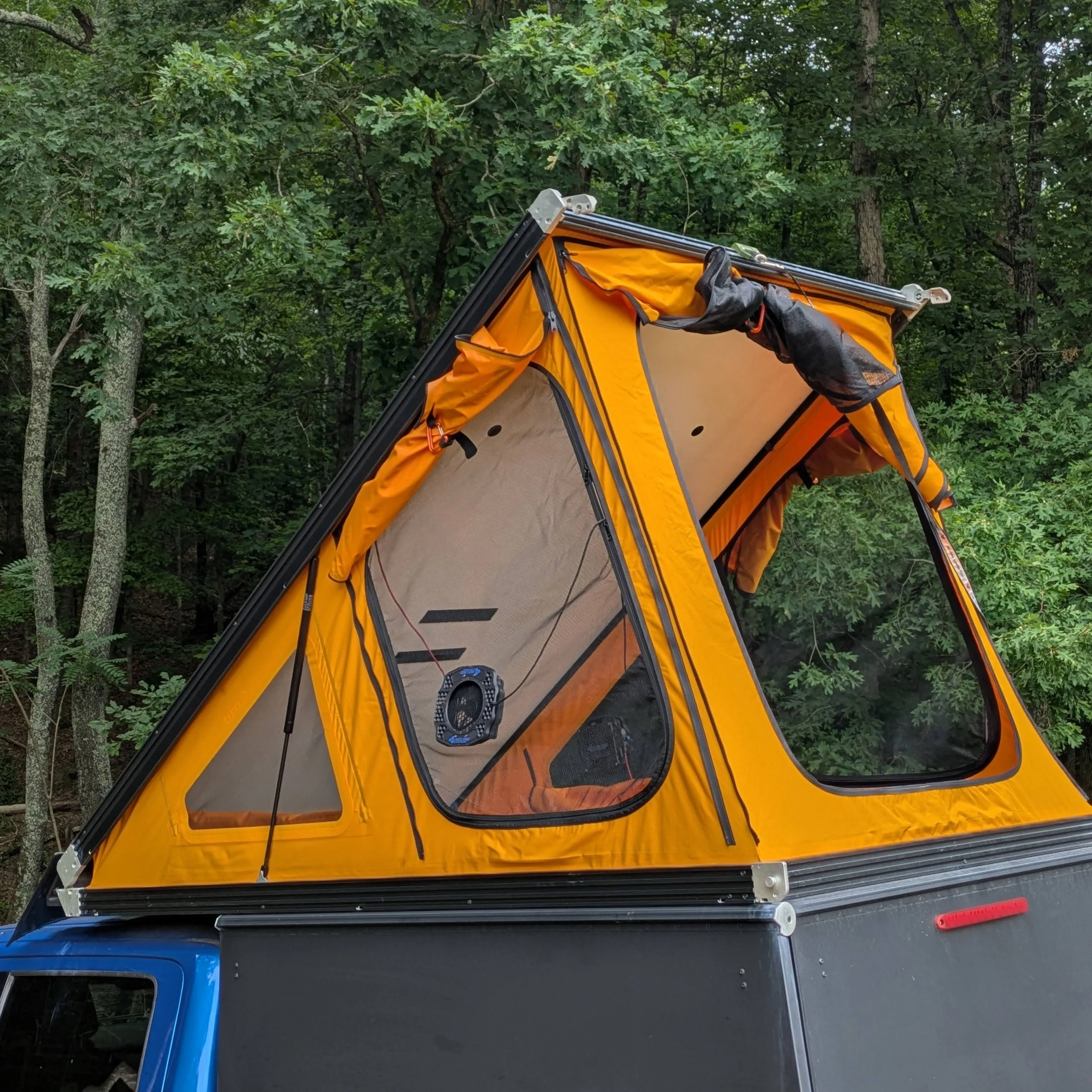
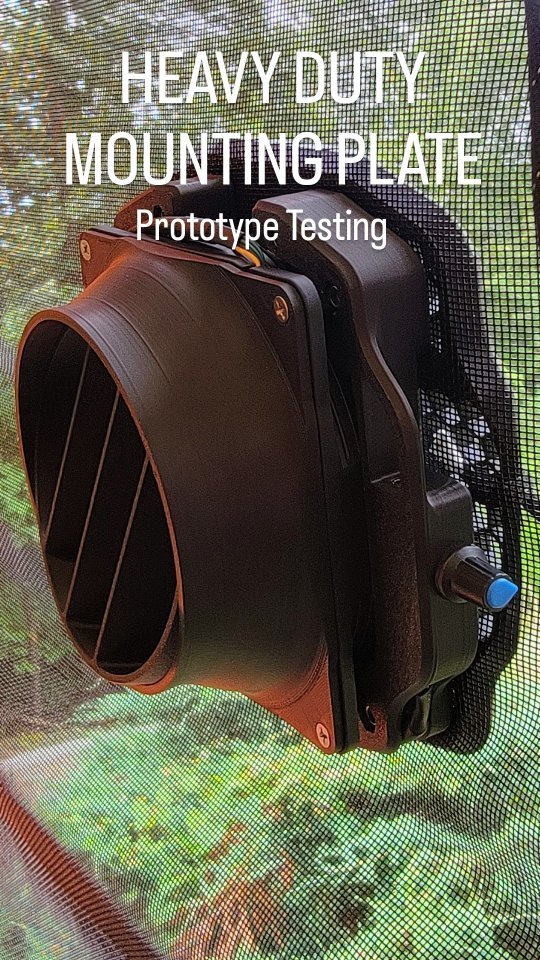
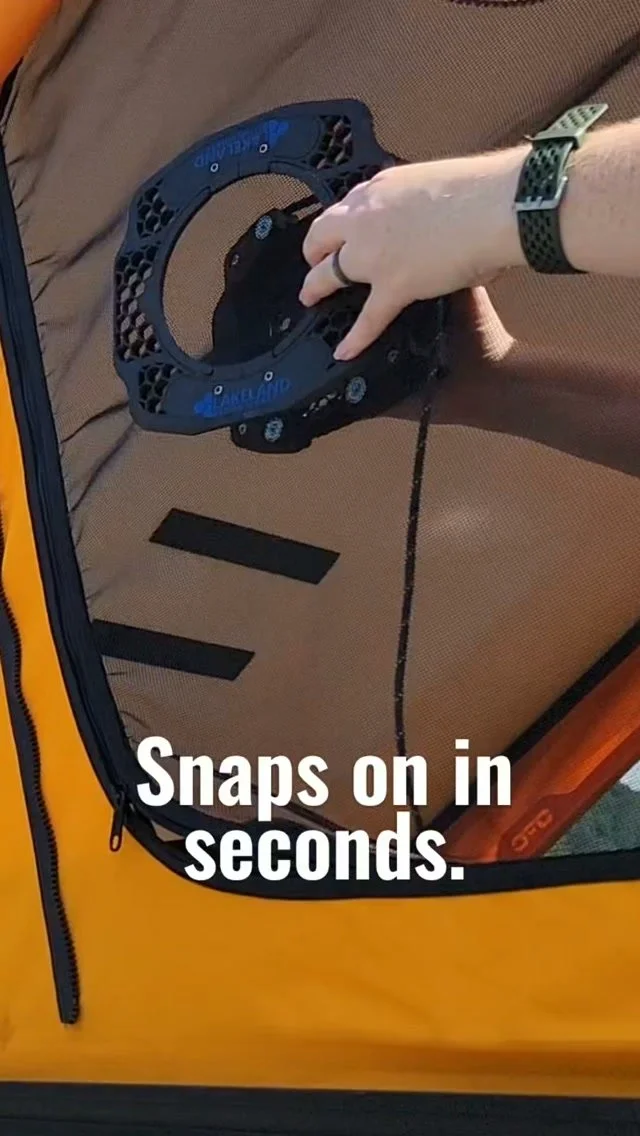
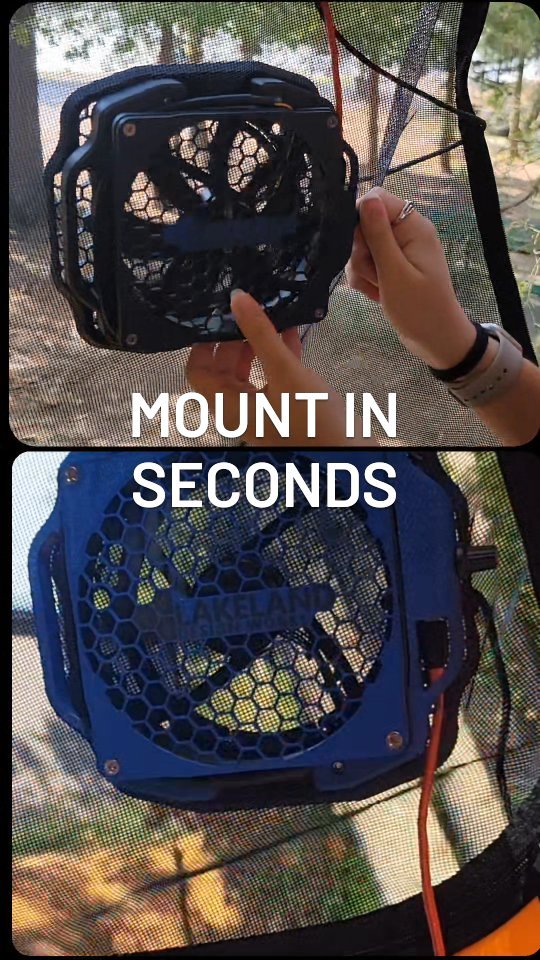
Install the fan from inside the tent and place the external mounting plate on the outside of the tent mesh. The magnets clamp through the mesh to hold the fan in place. Adjust the fan position as needed for airflow, comfort, and clearance.
Then use a simple numbered list:
Place the fan inside the tent against the mesh.
Align the external mounting plate on the outside of the mesh.
Confirm the fan is secure before use.
Plug into USB-C power and adjust speed.
Use the retention tether to help retain the outside plate during setup, removal, and transport.
Care & Storage
Your ventilation kit is built for real camping use, but basic care will help keep it working well trip after trip.
After wet or dusty use, remove the fan system from the tent, wipe the components clean, and allow everything to dry before packing. Check the fan, external mounting plate, tether, USB-C cable, and speed control for dirt, moisture, or damage before storing.
Store the magnetic parts carefully so they do not snap onto tools, electronics, loose hardware, or other gear. Keep fingers clear when bringing the fan and external plate together.
Before each trip, inspect the tether and cord lock for wear. If the cord is frayed, damaged, or no longer adjusts securely, replace it before use.
Travel note
Remove the fan system before driving. The retention tether is intended to help control the external plate during setup, removal, and handling. It is not intended to secure the fan system to the tent during vehicle travel.
Airflow where you need it
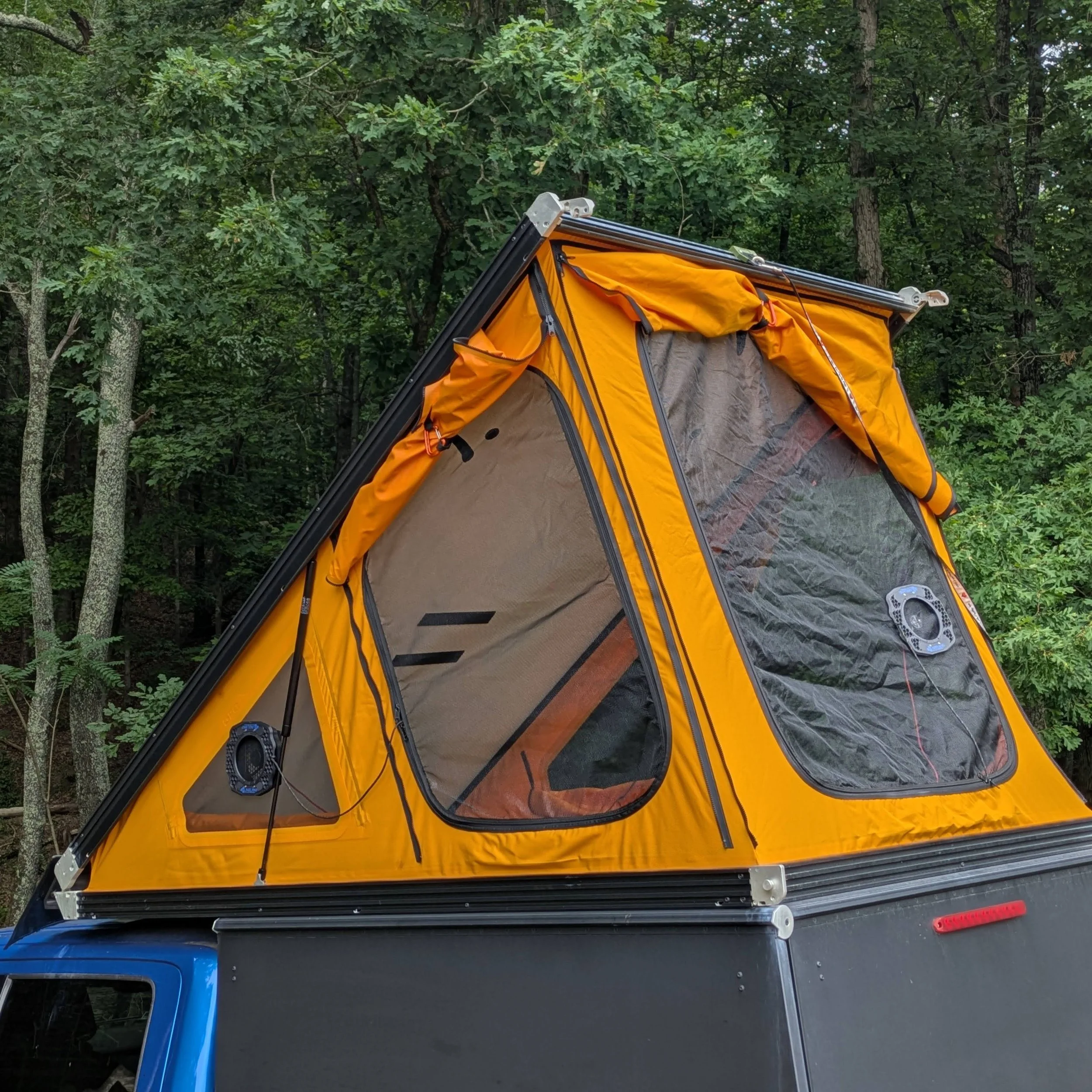
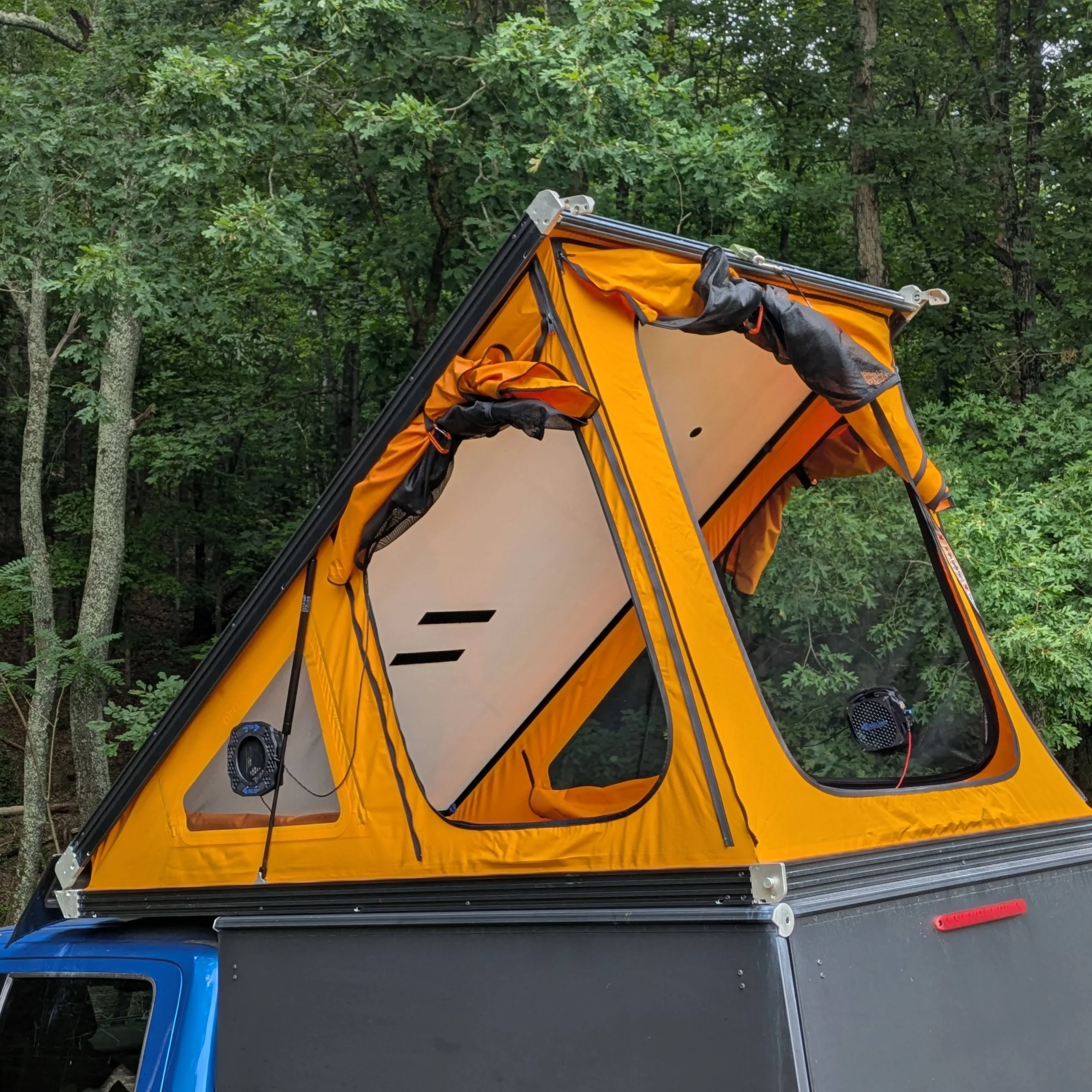
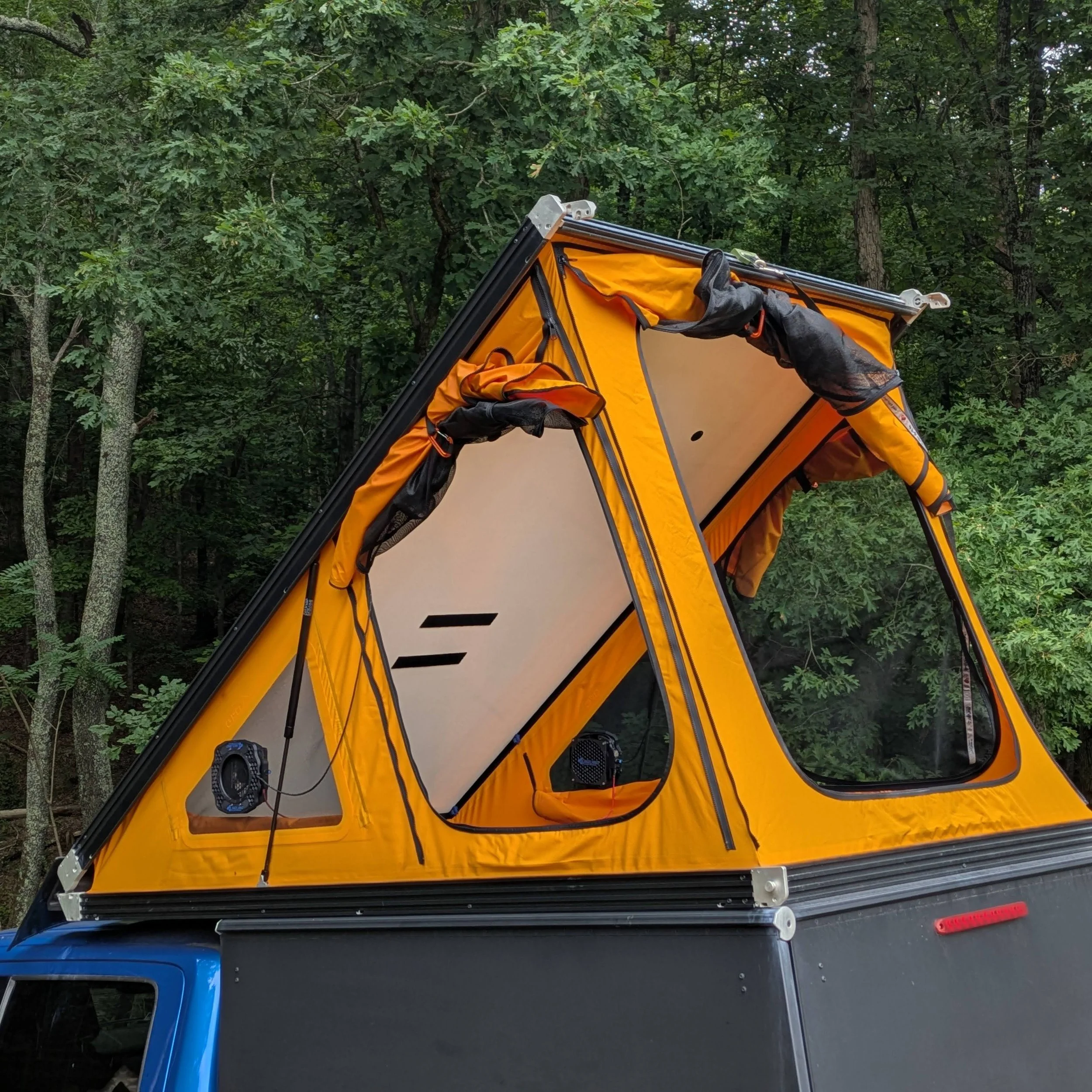
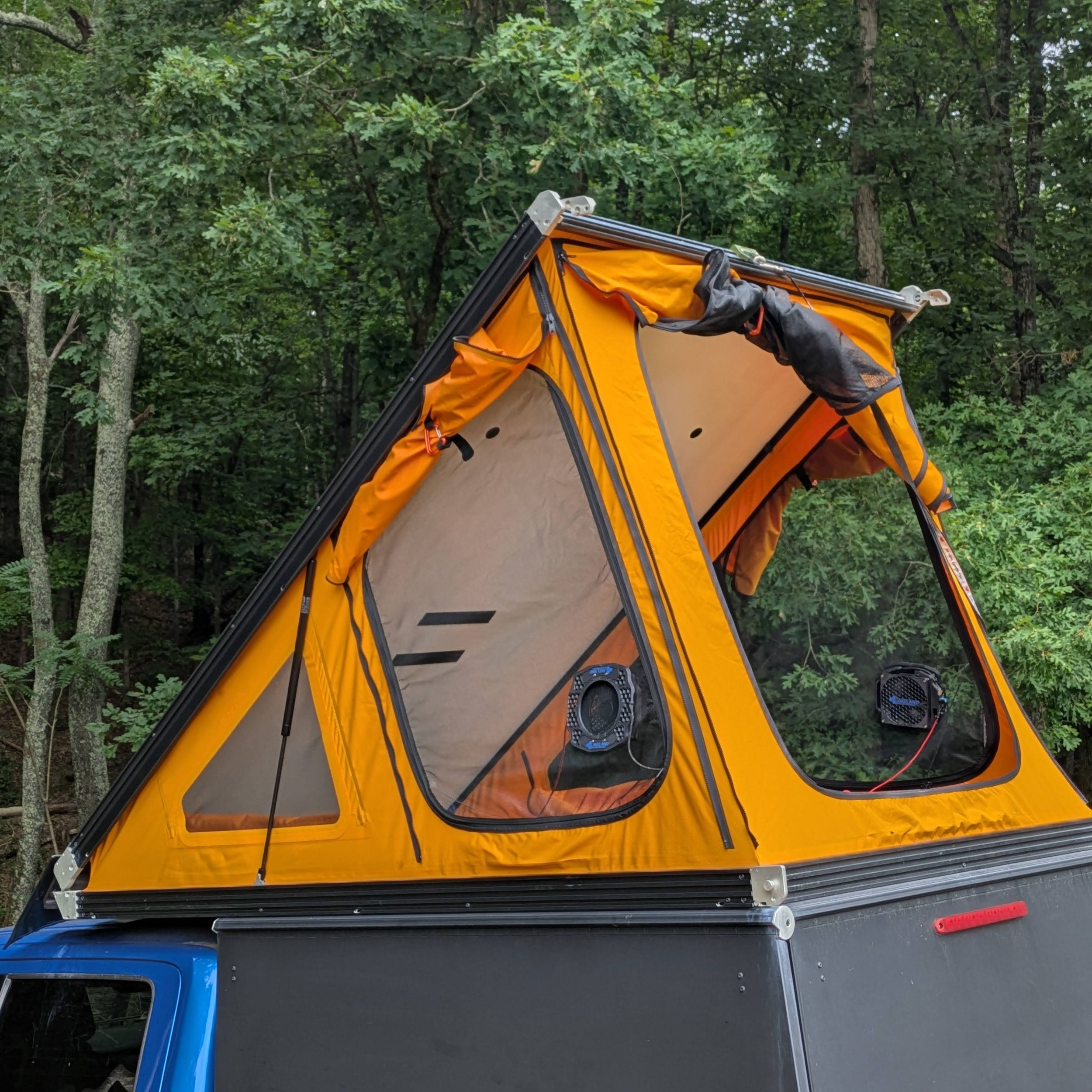
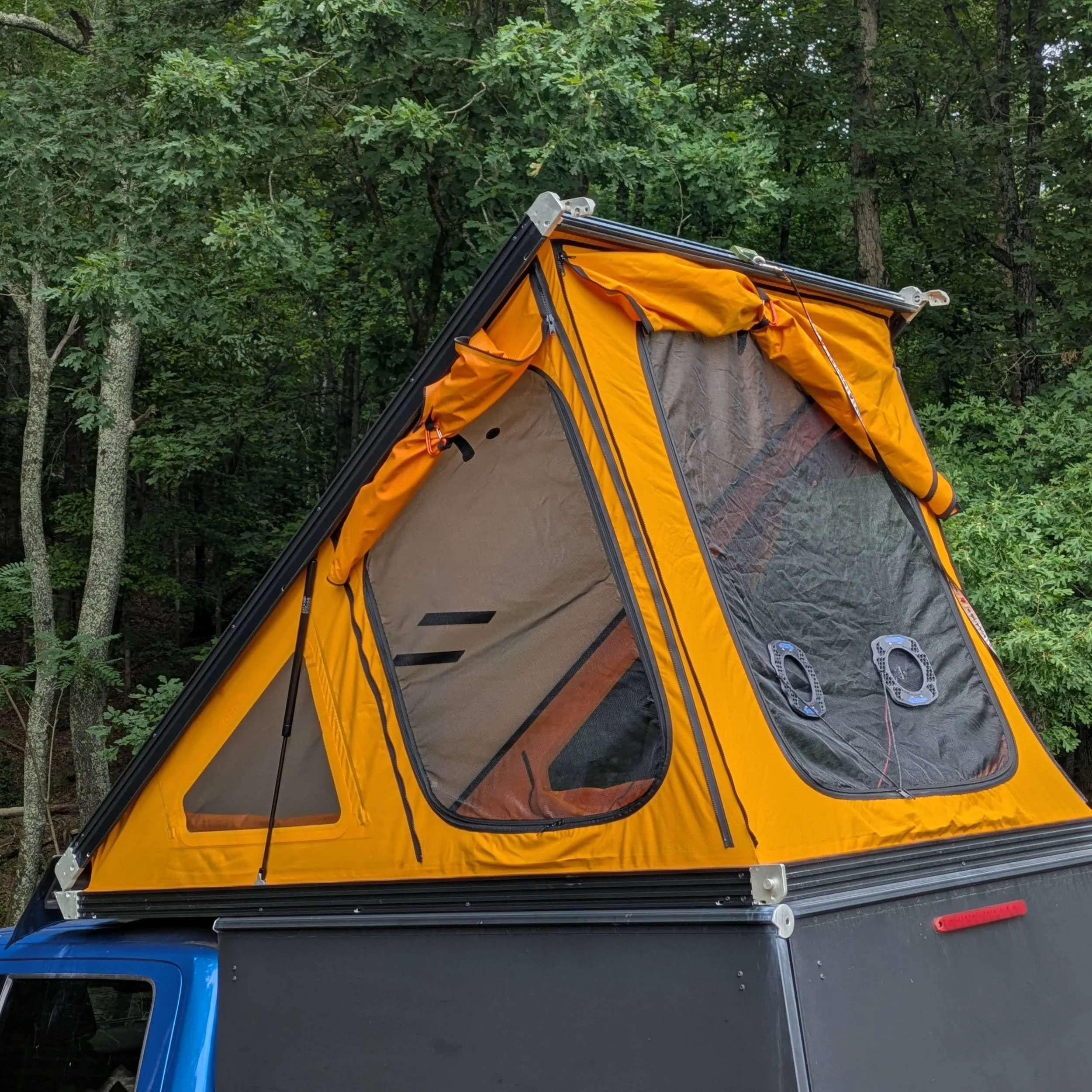
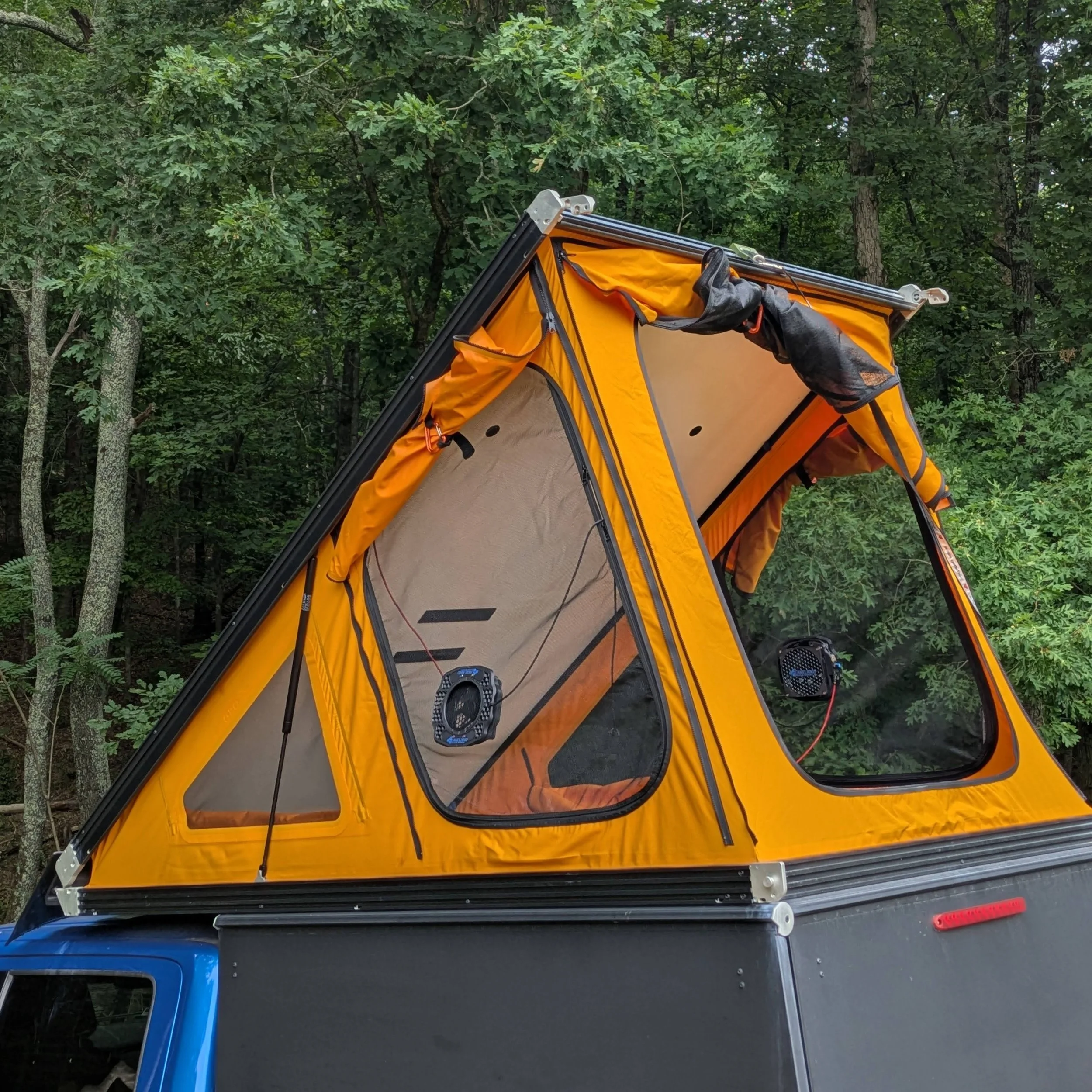
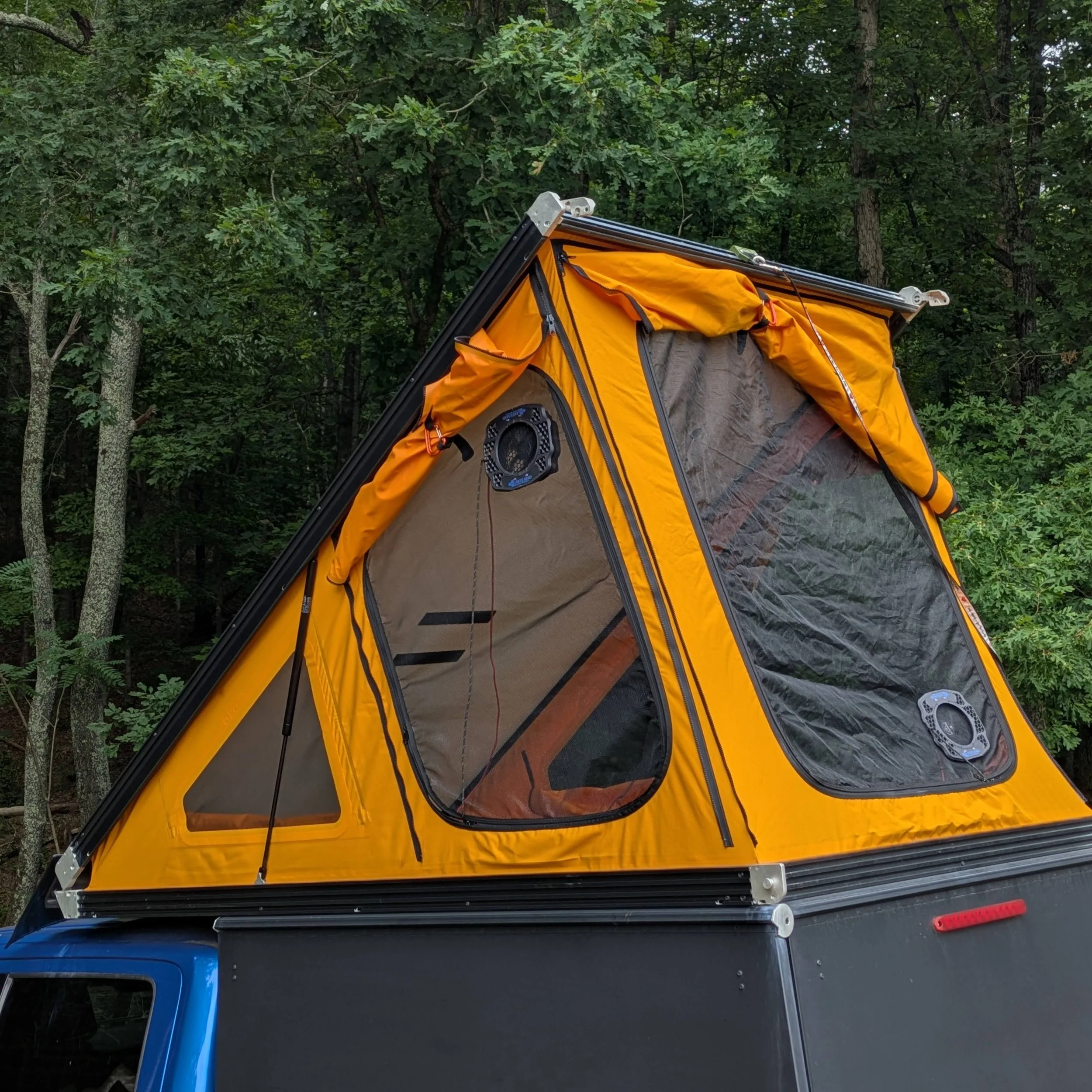
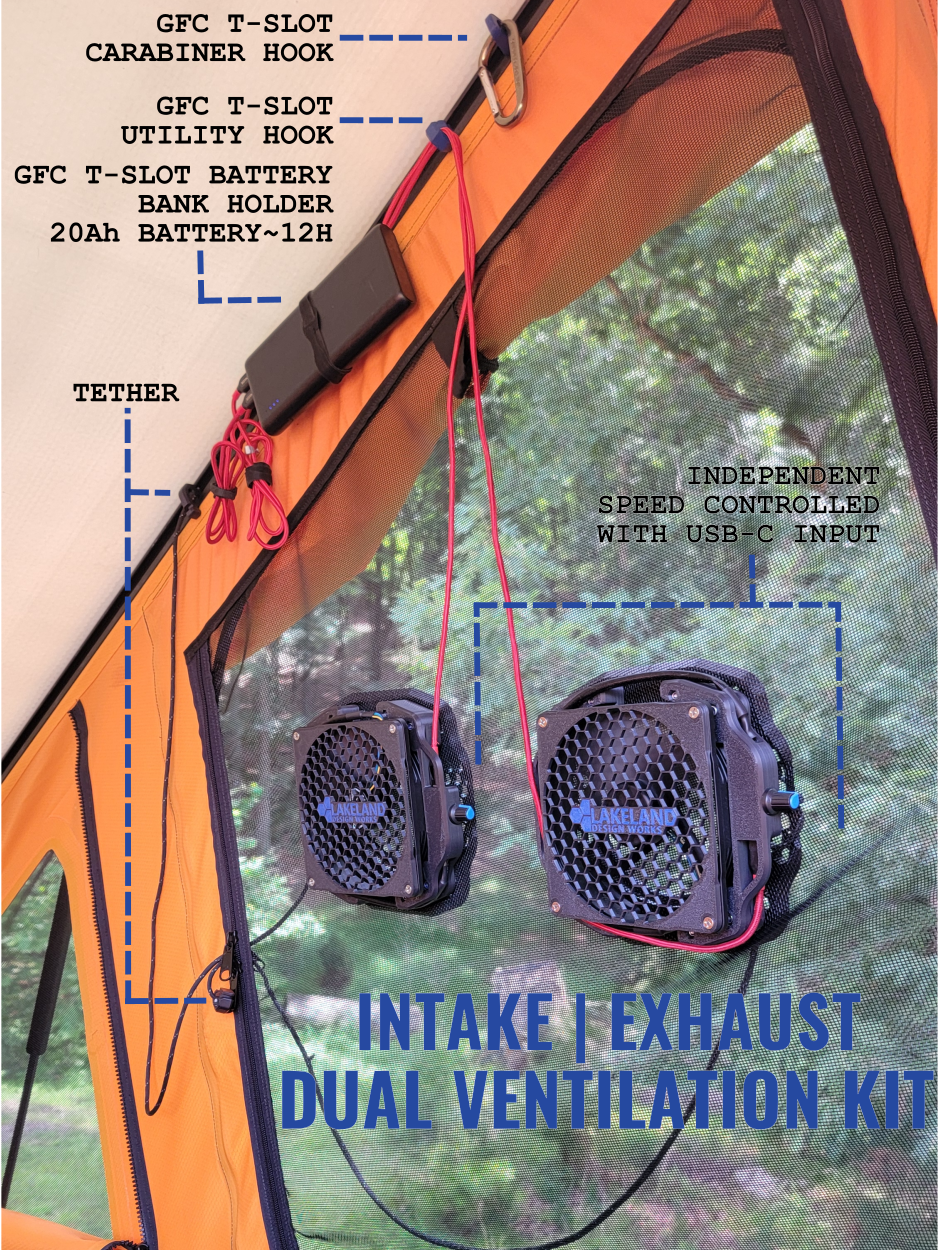
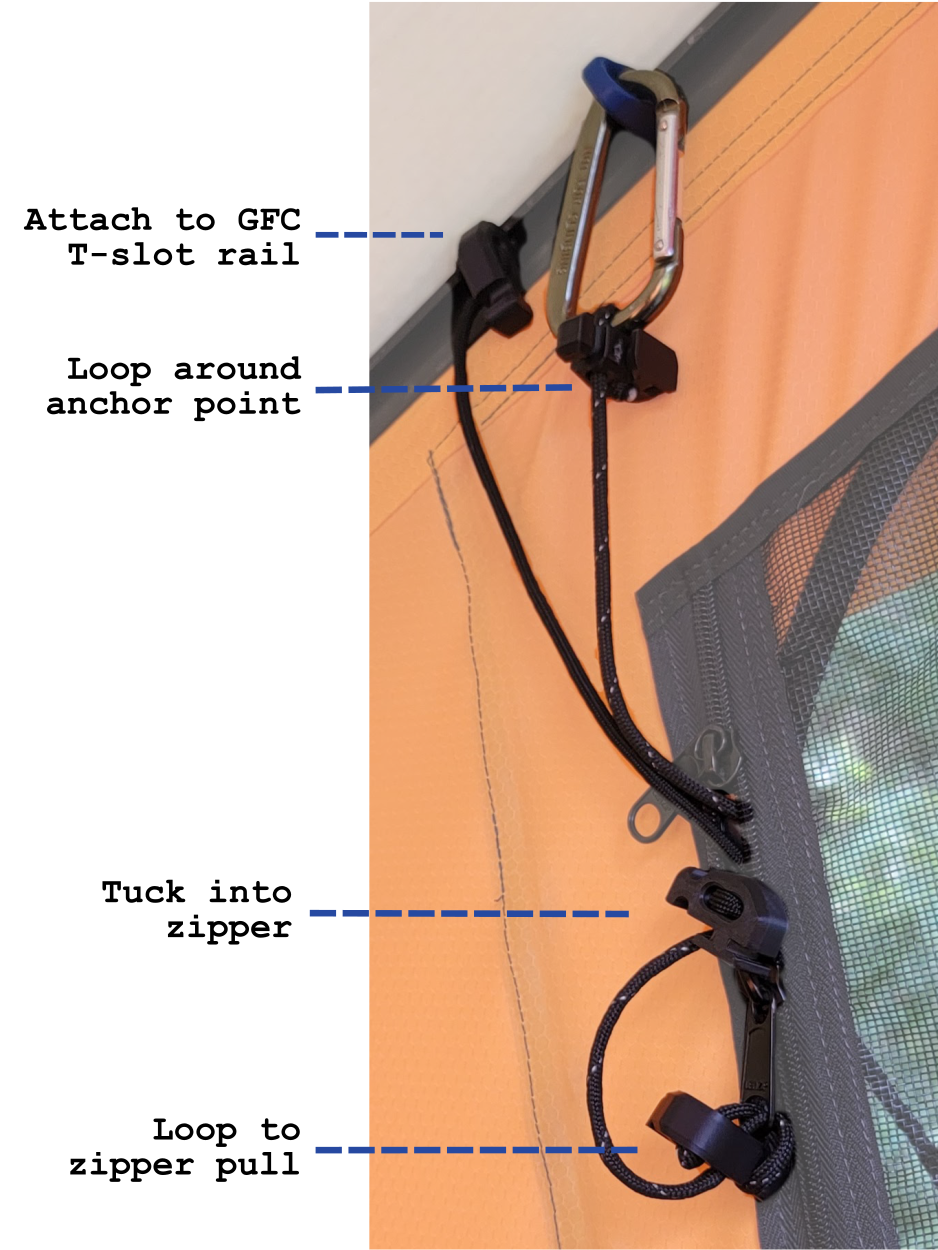
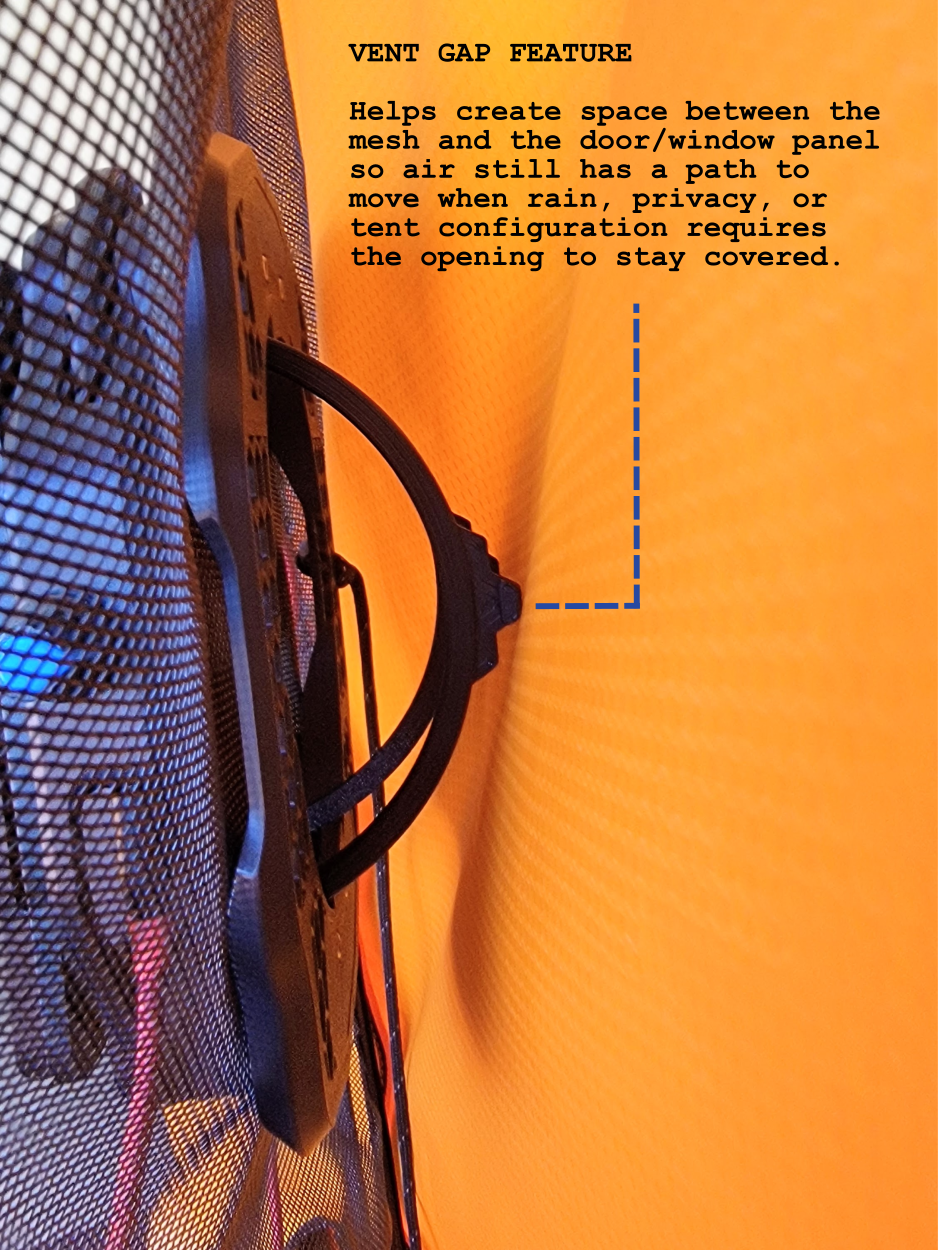
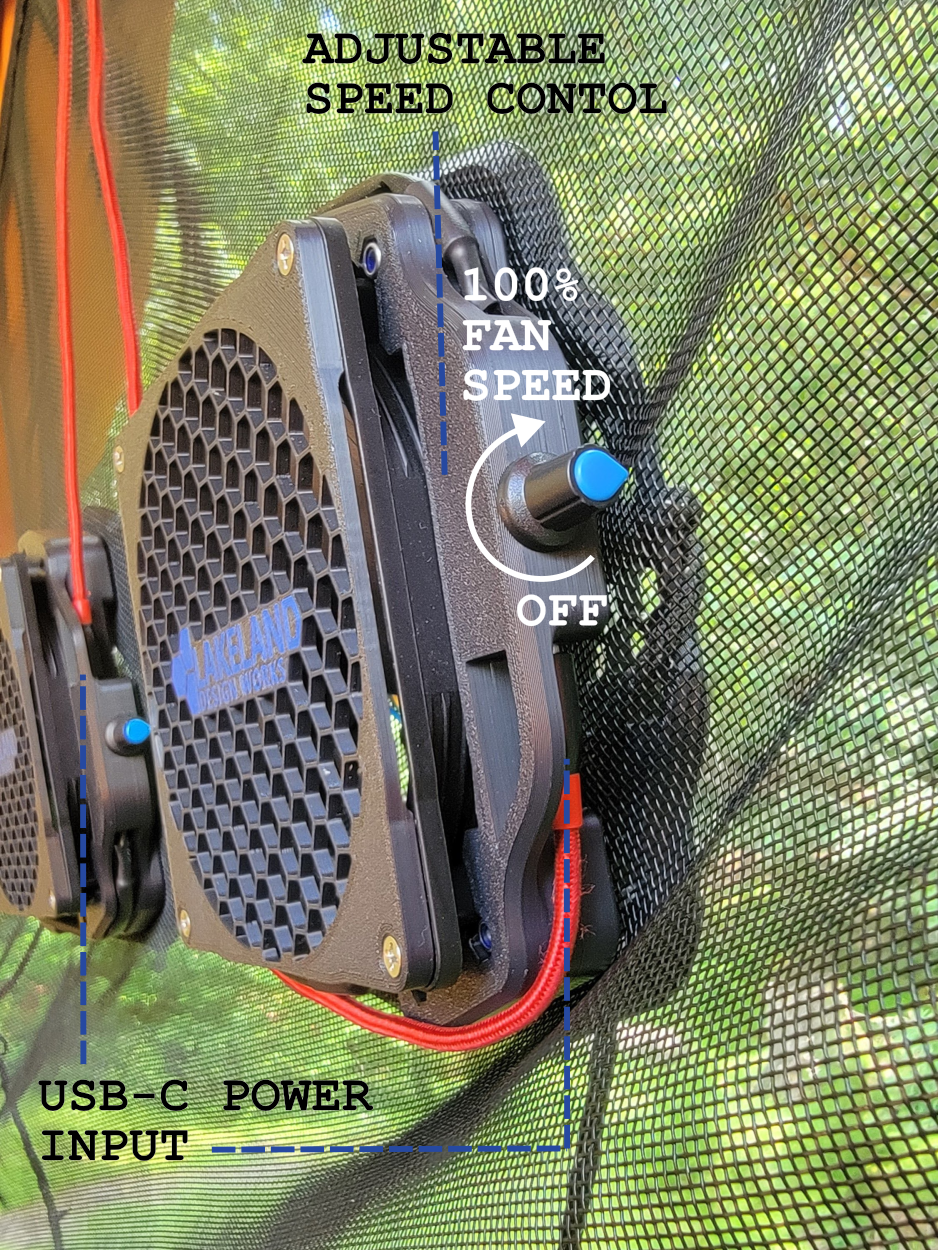
How to use the tether
Customers Setup
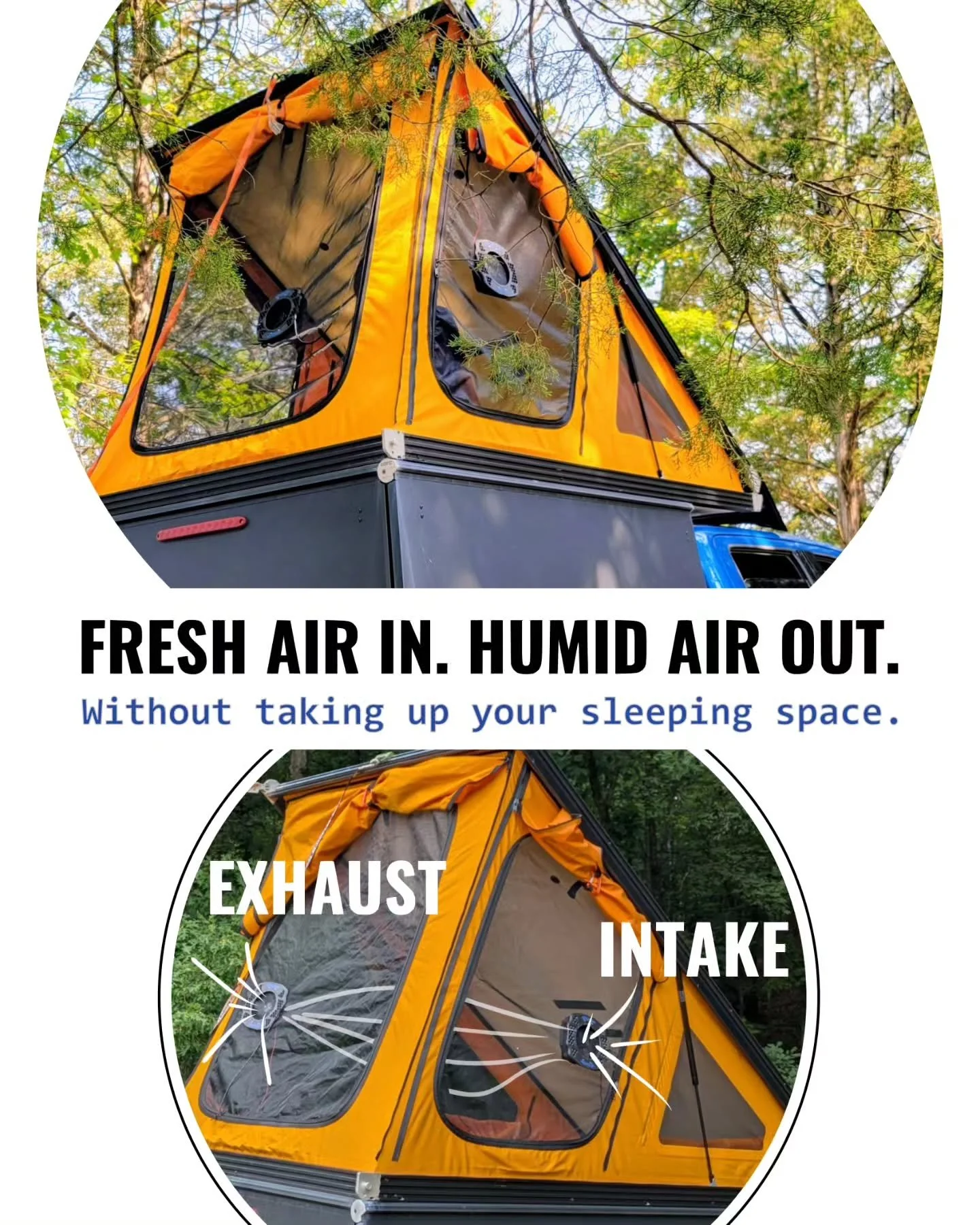
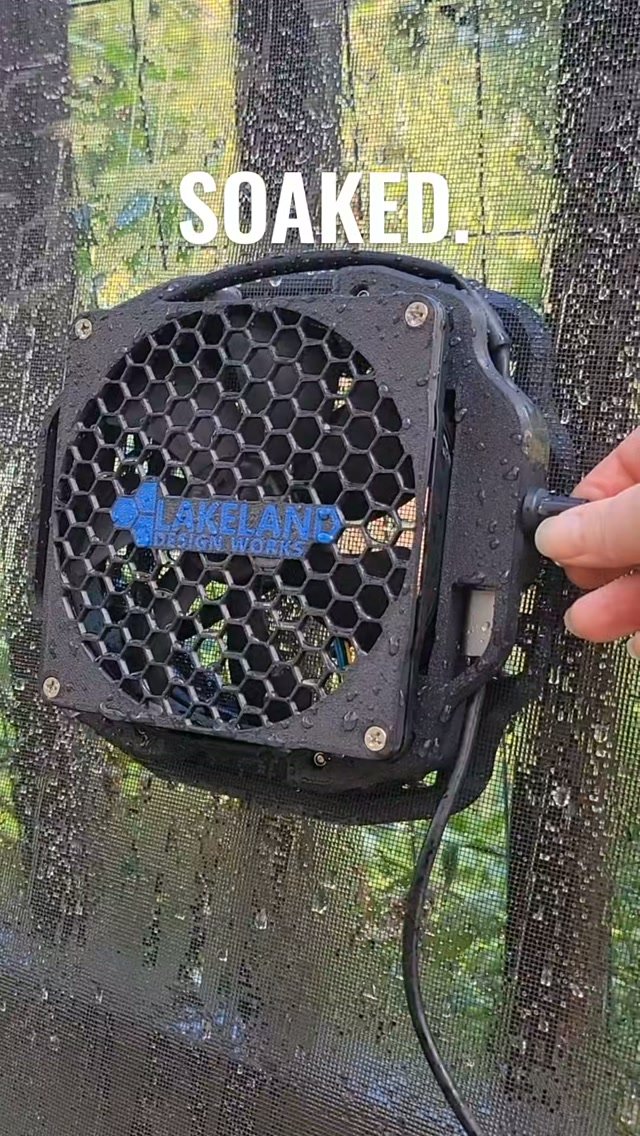
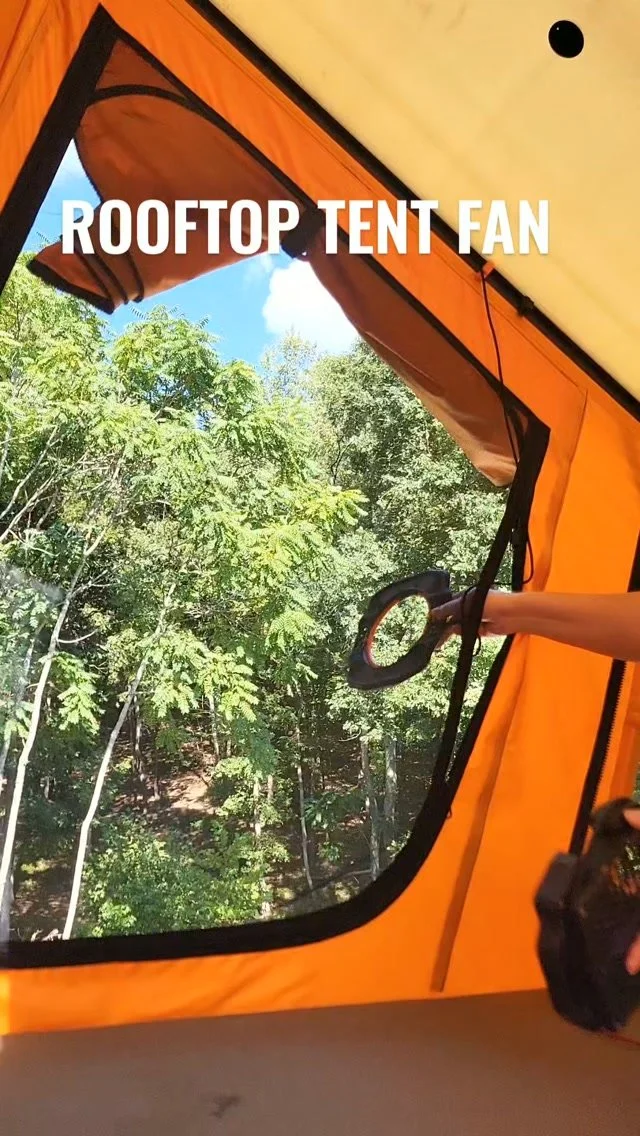
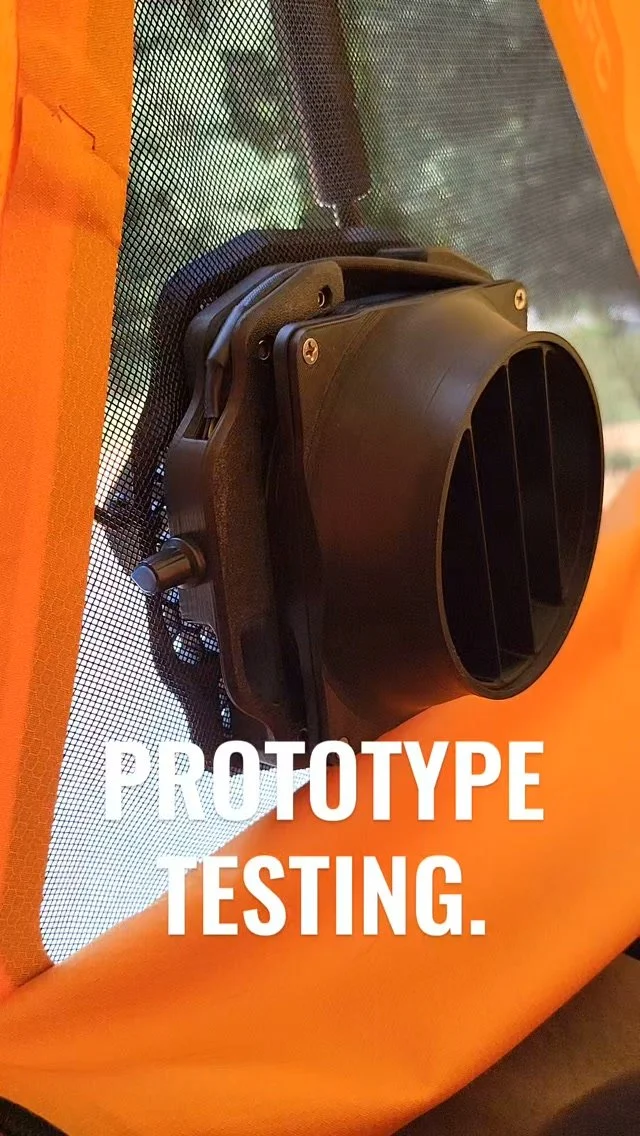
Original Magnetic ventilation fans on customers' setups.
Ursa Minor Camper
Lakeland Design Works Instagram

Recommended Products
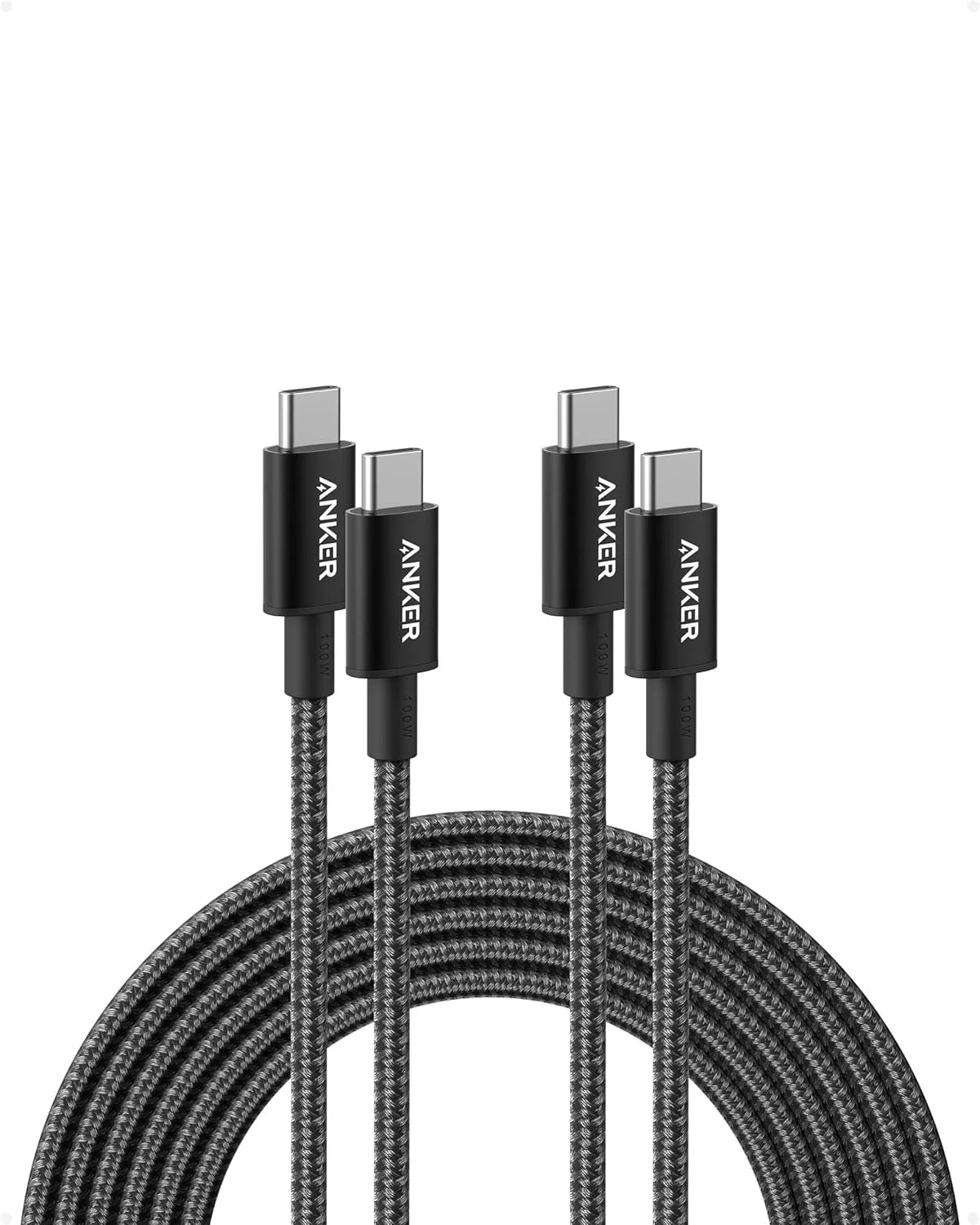
ANKER USB-C to USB-C Power Cable
10 ft, 2 Pack
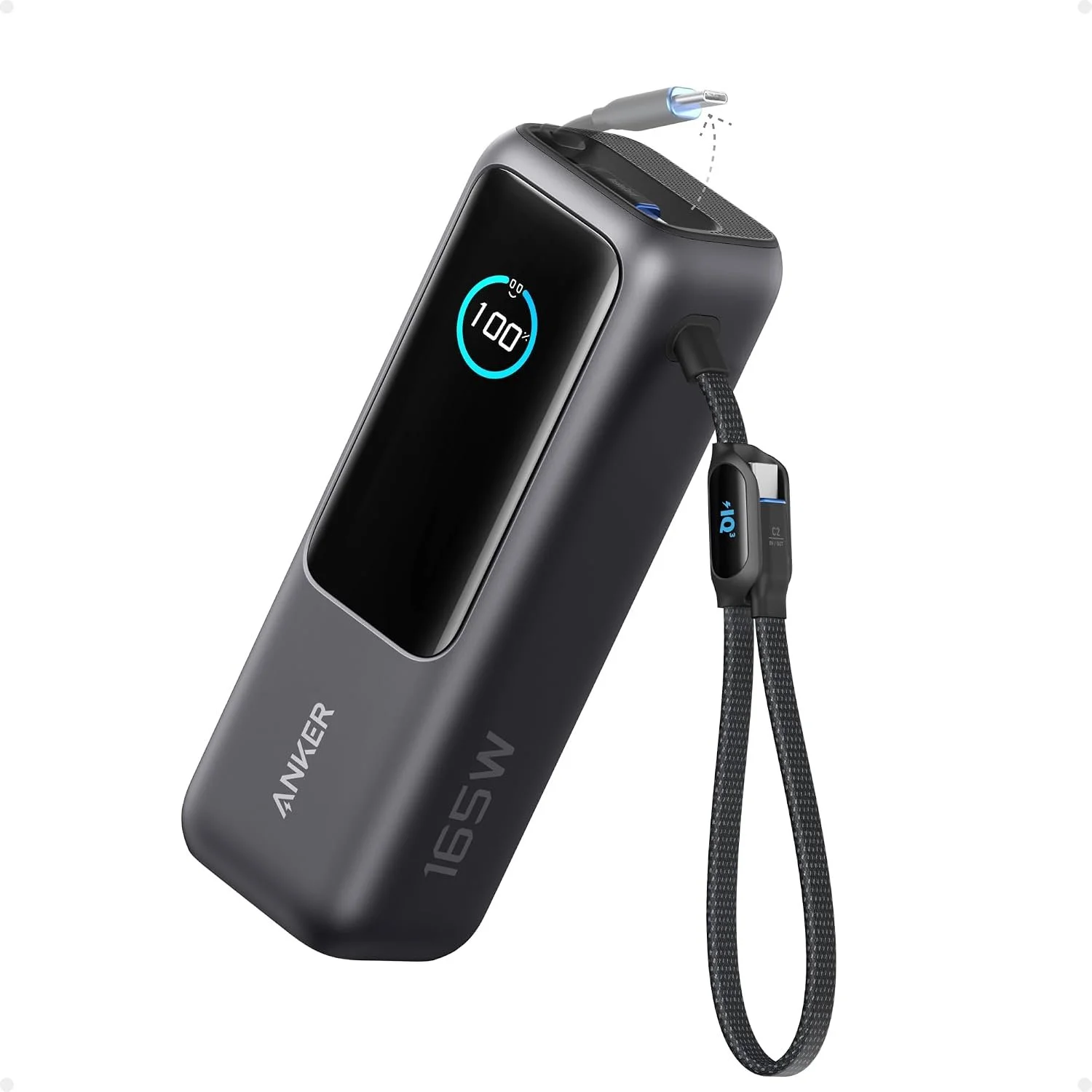
ANKER Laptop Portable Power Bank, 3 USB-C Ports, Built-in Retractable Cables
25,000mAh with 100W Max
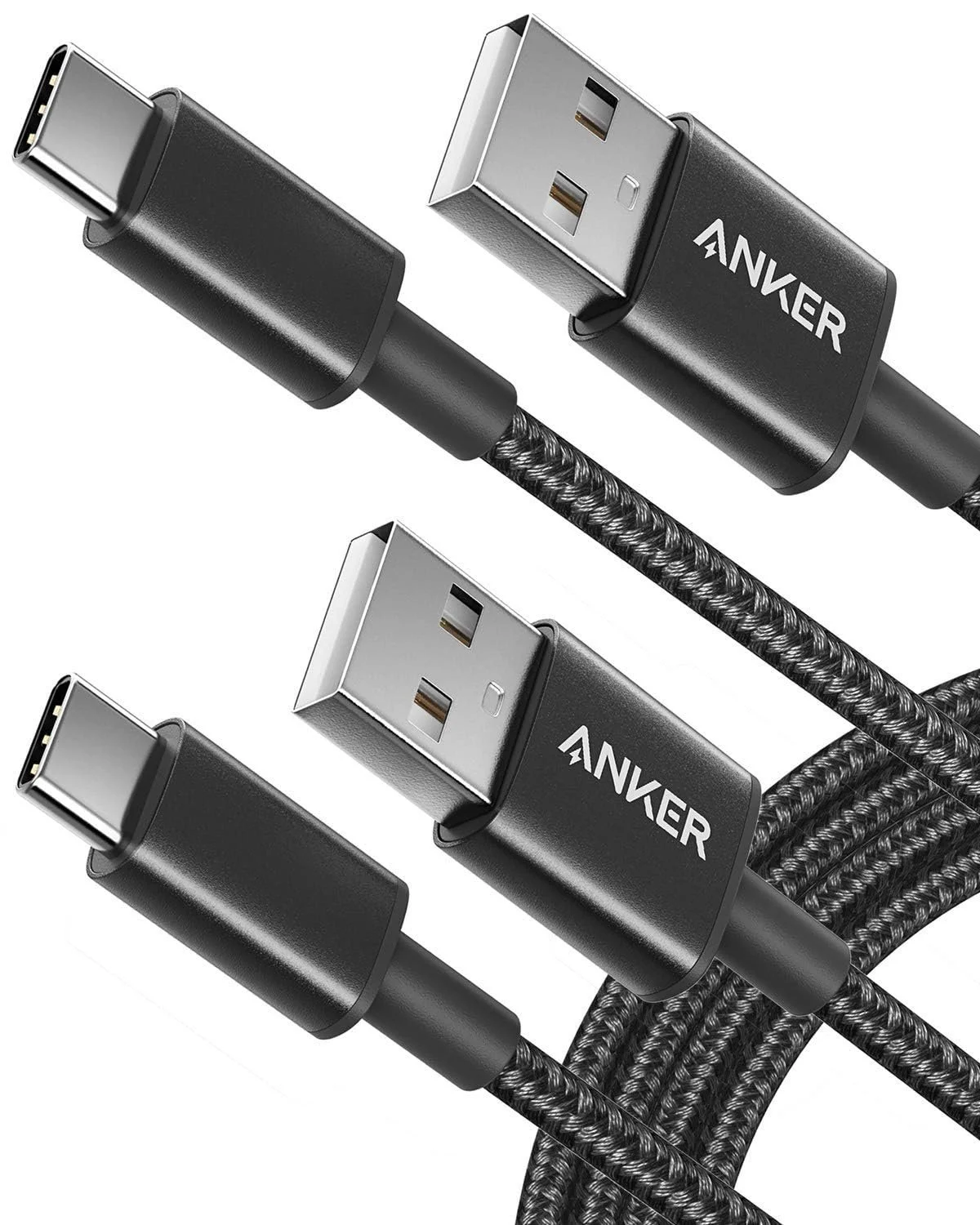
ANKER USB-A to USB-C Power Cable
6 ft, 2 Pack
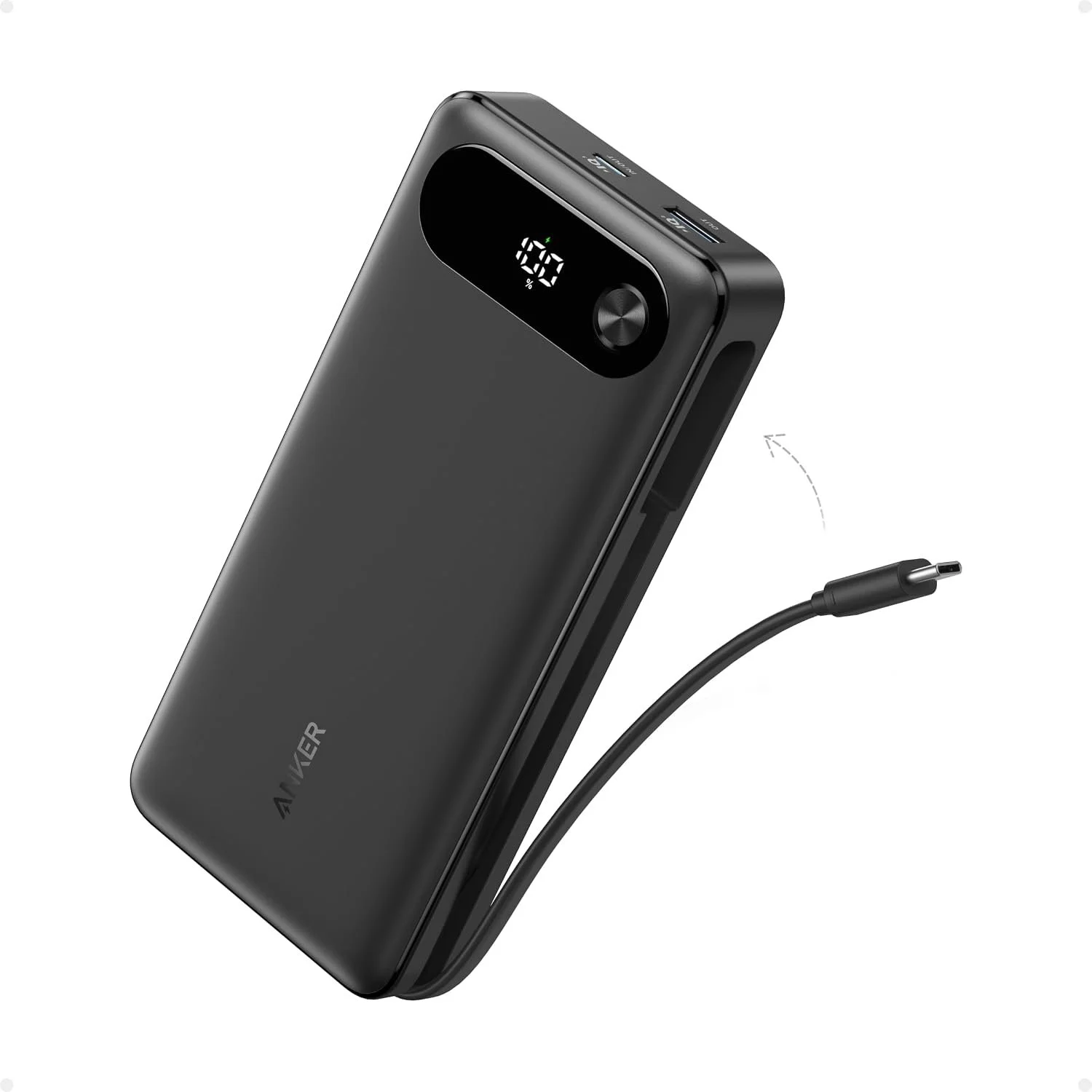
ANKER Portable Power Bank, 3 Port, Built-in USB-C Cable
20,000mAh with 87W Max
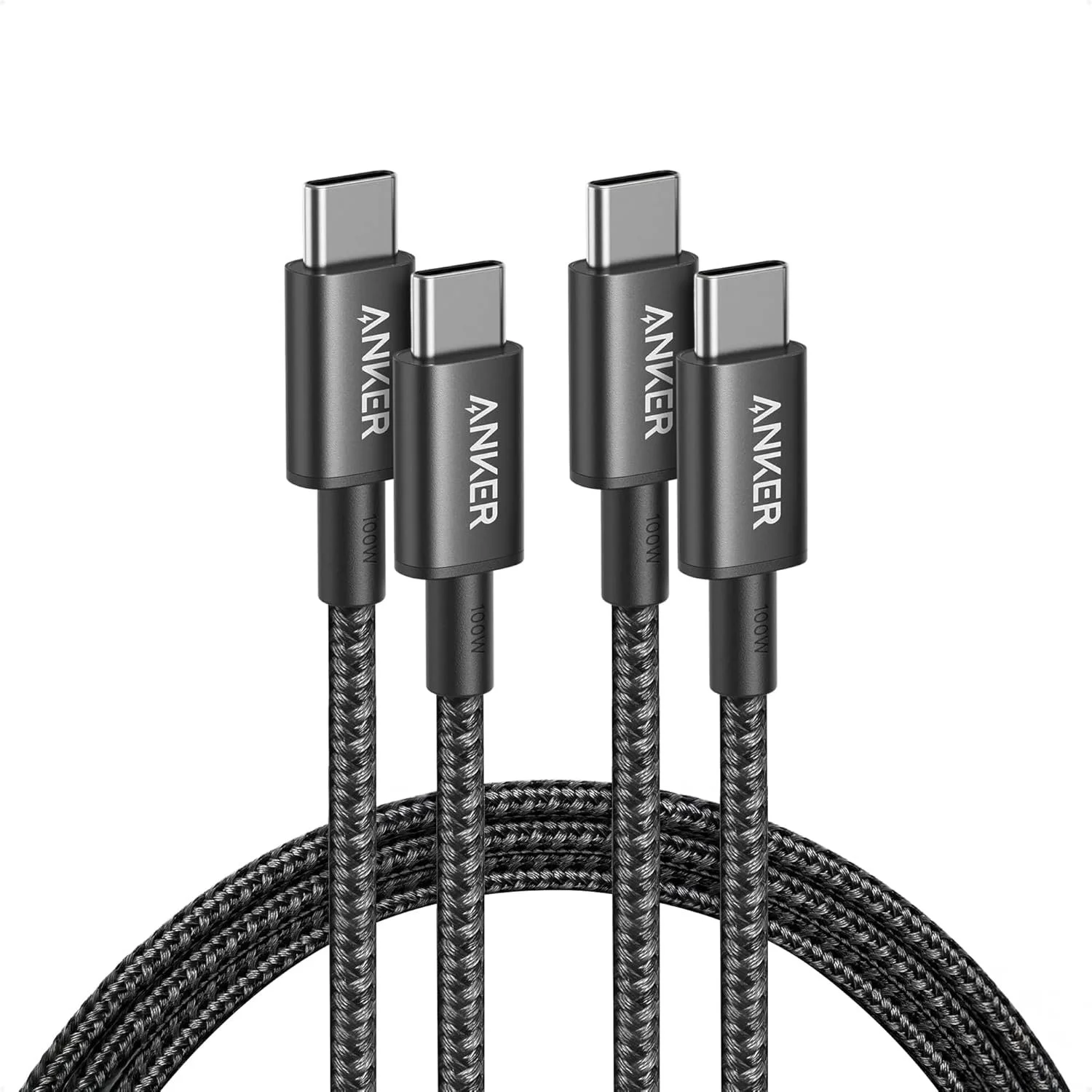
ANKER USB-C to USB-C Power Cable
6 ft, 2 Pack
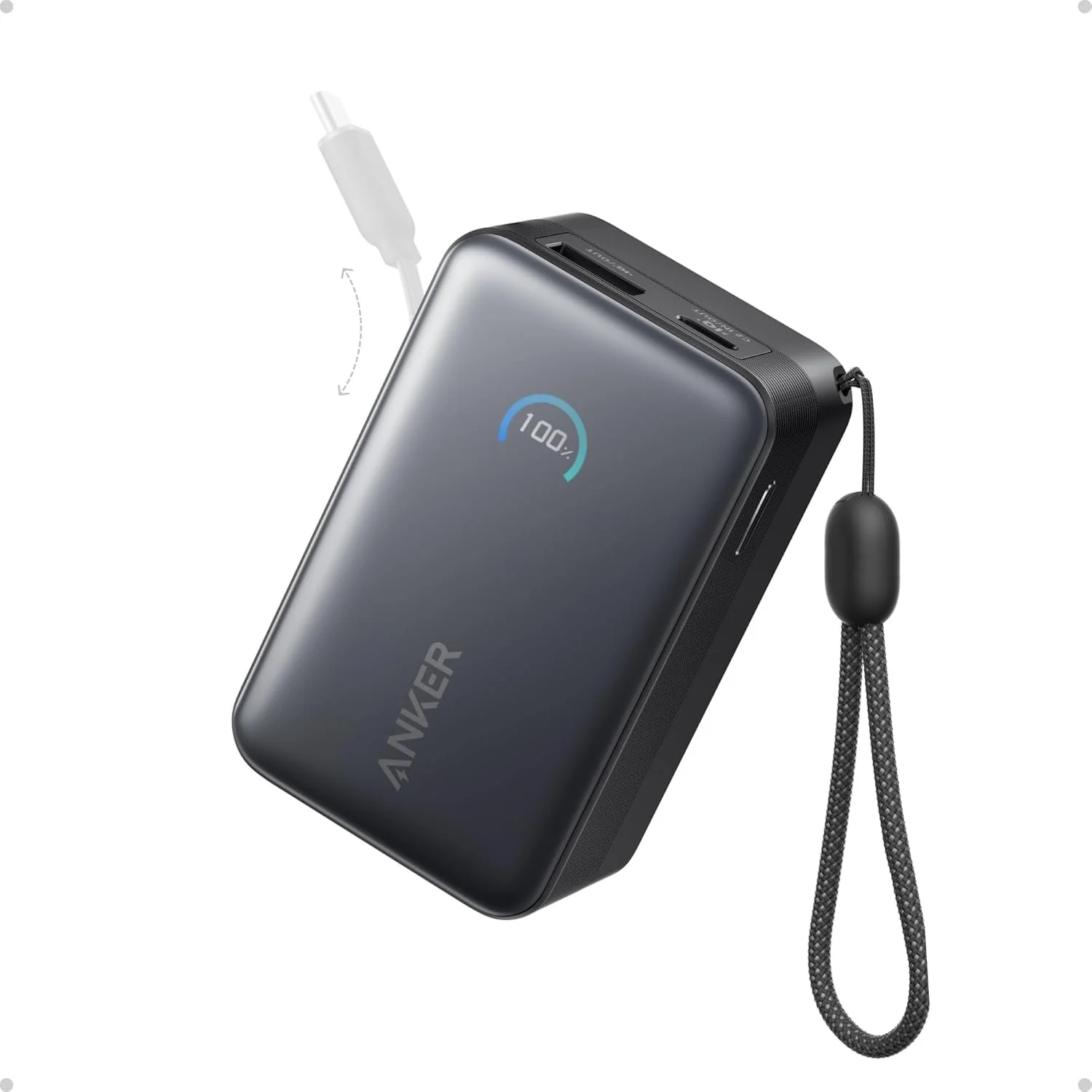
ANKER Nano Portable Power Bank, 3 Port, Built-in USB-C Cable
10,000mAh with 45W Max
These are products we know and recommend to pair with our fans, and we wanted to provide these quick links as a source of direction for some of our most frequently asked questions about how to power and run electricity to our fans. Additionally, we are an Amazon Associate, and we earn from qualifying purchases from these affiliate links.
-
First, check that the USB-C cable is fully seated and that your power source is turned on. If you are using a battery bank, confirm that the bank has charge and has not gone into sleep mode.
Turn the speed control knob up slowly and listen for the fan to start. If the fan still does not turn on, try a different USB-C cable or power source to rule out a cable or battery issue.
-
Airflow depends on having a clear path for air to move. For best results, open a vent, window, or door opposite the fan so air can enter or exit the tent.
Try repositioning the fan higher or closer to the mesh opening. In wedge-style tents, small changes in fan location and vent openings can make a noticeable difference.
-
Description text goes hereCheck that nothing is touching the fan blades, fan guard, or housing. Fabric, mesh, loose cords, or bedding near the fan can create extra noise or vibration.
If the fan is mounted securely and nothing is contacting it, try lowering the speed. Lower speeds are often enough for overnight airflow and will be quieter.
-
Remove the fan and reinstall it, making sure the fan and external mounting plate are aligned through the tent mesh. Avoid placing the magnets over thick seams, folded fabric, zippers, or other obstructions that may reduce magnetic hold.
Before use, gently check that the fan and external plate are seated securely.
-
No. Remove the fan system before driving.
The retention tether is intended to help control the external plate during setup, removal, and handling. It is not intended to secure the fan system to the tent during vehicle travel.
-
The fan system is intended to be used inside the tent, with the external plate mounted on the outside of the mesh. While the kit is designed for outdoor camping environments, it should still be cared for like electronic camping gear.
Avoid direct rain exposure, standing water, or submersion of the fan, cable, speed control, or power source.
Important Notes
Do not place fingers, fabric, cords, or loose items into the fan while running. Confirm the fan and external plate are secure before use. Remove the system before driving unless specifically instructed otherwise for your setup.
Depending on how you want to position transport, I would be careful. If the product should not stay installed while driving, say clearly:
Remove the fan system before driving. The tether is for setup, removal, and transport handling, not for securing the fan to the tent while driving.
I still need help.
If something does not look right or you are unsure about your setup, please reach out. Include your order number, tent model, a few photos of your setup, and a short description of what you are seeing.
Email: engineering@lakelanddesignworks.com